99Exch Login Problem? Fix OTP Errors, Account Access Issues & More (2026)
Can’t log in to your 99 Exchange account? You are not alone. 99exch login problems are one of the top issues users search for — and the good news is every single one of them is fixable. Whether you are getting an OTP that never arrives, a password error, a blank screen after clicking login, or a “account blocked” message, this guide gives you exact solutions for every scenario. You will be back inside your My 99 Exchange dashboard in minutes.
Locked out right now? The fastest fix is always WhatsApp. Our support team can restore account access within minutes — no waiting, no automated queues.
Table of Contents
The 8 Most Common 99Exch Login Problems and How to Fix Each One
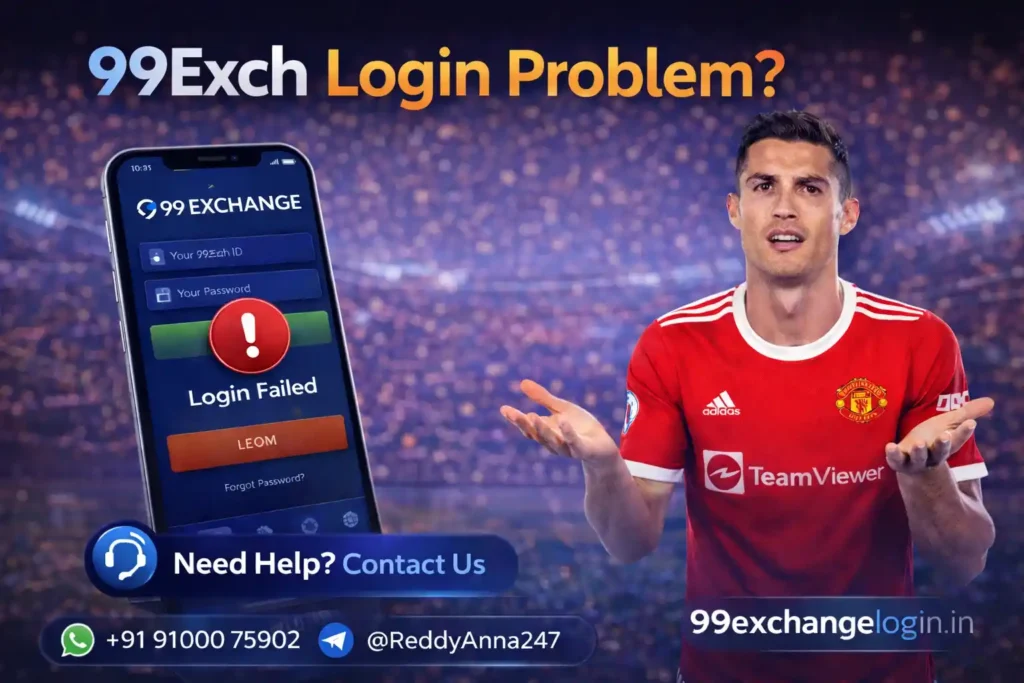
Problem 1: OTP not received on your mobile number
The OTP is sent via SMS to your registered mobile number. If it does not arrive: check that your phone has signal and is not in DND (Do Not Disturb) mode; check your SMS inbox not just notifications; wait 60 seconds and request the OTP again; if still nothing, contact WhatsApp support — your registered number may need to be updated if you changed your SIM.
Problem 2: “Invalid username or password” error
This means the ID or password you entered does not match what is stored. Your 99 Exch ID is the unique alphanumeric ID you received via WhatsApp — it is not your mobile number or email. Check: (1) You are entering the ID exactly as received — IDs are case-sensitive. (2) Your password does not have auto-correct changes from your phone keyboard. (3) You are on the correct official login page at 99exchangelogin.in/99exch-login/.
Problem 3: Login page loads but clicking submit does nothing
This is a browser or cache issue. Fix: clear your browser cache and cookies, then try again. If using Chrome, press Ctrl+Shift+Delete and clear all cached data. Alternatively, open the login page in a private/incognito window. If using the mobile browser, switch to the 99Exch app instead — app logins rarely have this issue.
Problem 4: Account showing “blocked” or “suspended”
An account gets blocked for one of three reasons: too many failed login attempts (temporary auto-block), violation of platform terms, or the account was flagged for duplicate registration. Contact WhatsApp support immediately. Temporary blocks from failed attempts lift automatically after 30 minutes. Flagged accounts need manual review — usually resolved within 1 hour.
Problem 5: Logged in but balance shows zero / page looks empty
This is a display error, not an account problem. Your funds are safe. Fix: hard-refresh the page (Ctrl+F5 on desktop, pull-to-refresh on mobile). If you have active bets, your available balance will show less than your total balance — this is normal. Check the “Total Balance” figure, not just “Available.”
Problem 6: Login works on one device but not another
Your 99 Exchange account can be accessed from multiple devices. If login works on one but not another, the issue is device-specific: clear the browser cache on the failing device, or try a different browser. If the device is new, you may need to complete the OTP verification step for it. This is a security feature to protect your account, not a block.
Problem 7: Forgot 99 Exch ID (not password)
Your 99 Exch ID was sent to you via WhatsApp when you registered. Check your WhatsApp message history for the original message from your agent. If you cannot find it or changed your number, WhatsApp support can recover your ID after verifying your identity through your registered mobile number and name.
Problem 8: Login page itself not loading (blank page or error 404)
This happens when users type the URL manually and make an error, or when an old bookmark points to a changed URL. Always use the link on this site: 99exchangelogin.in/99exch-login/. If even this does not load, try a different internet connection — your current network may be blocking the site. Switching from WiFi to mobile data (or vice versa) usually resolves this.
How to Login to 99 Exchange on Mobile (Step by Step)
Most users access 99exchange from mobile. Here is the correct process for a smooth mobile login:
- Open your browser or the 99Exch app
- Go to 99exchangelogin.in/99exch-login/ — bookmark this link on your home screen
- Type your 99 Exch ID exactly as received (check capital letters)
- Enter your password (disable autocorrect before typing)
- If OTP is requested, check your SMS immediately — expires in 60 seconds
- You are now inside your My 99 Exchange dashboard
Using the 99Exch app eliminates most of these login problems because it saves your session. You only need to log in once — after that, opening the app takes you directly to your account dashboard.
FAQs About 99Exch Login Problems
I forgot my 99 exchange password — how do I reset it?
To reset your 99exch password, contact support via WhatsApp with your registered mobile number and 99 Exch ID. Support will verify your identity and reset your password. Do not try to register a new account — duplicate accounts are blocked and you would lose your existing balance.
Why does 99exchange say my account is blocked?
Account blocks on 99exch can be a temporary auto-lock after multiple failed login attempts (lifts after 30 minutes), or a manual review flag. Contact WhatsApp support immediately with your 99 Exch ID to get your account status and fastest resolution path.
My 99exch OTP is not coming — what should I do?
If OTP is not arriving: check DND settings on your phone, check your SMS inbox not just notifications, wait 60 seconds and request again, and ensure you have a signal. If still not receiving after 3 attempts, contact WhatsApp support — your registered number may need updating.
Can I use the same 99 Exchange ID on multiple phones?
Yes. Your 99 Exch ID works on any device — phone, tablet, or computer. You may need to complete an OTP step when logging in from a new device for the first time, as a security measure. After that first verification, the device is recognized.
What is the official 99 exchange login URL?
The official login page is at 99exchangelogin.in/99exch-login/ — always use this link directly or bookmark it from this site. There are many fake lookalike sites. Only access your account through the verified link provided here or directly from the official 99Exch app.
Ready to get back in?
Try the login page now. If the problem continues, our WhatsApp team resolves it in minutes.